

DragonFrame
“The digital roll-up”
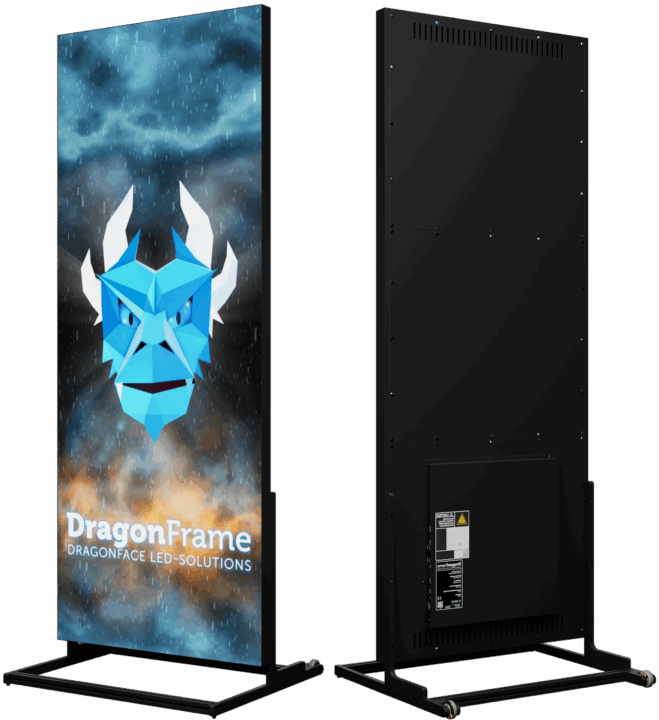
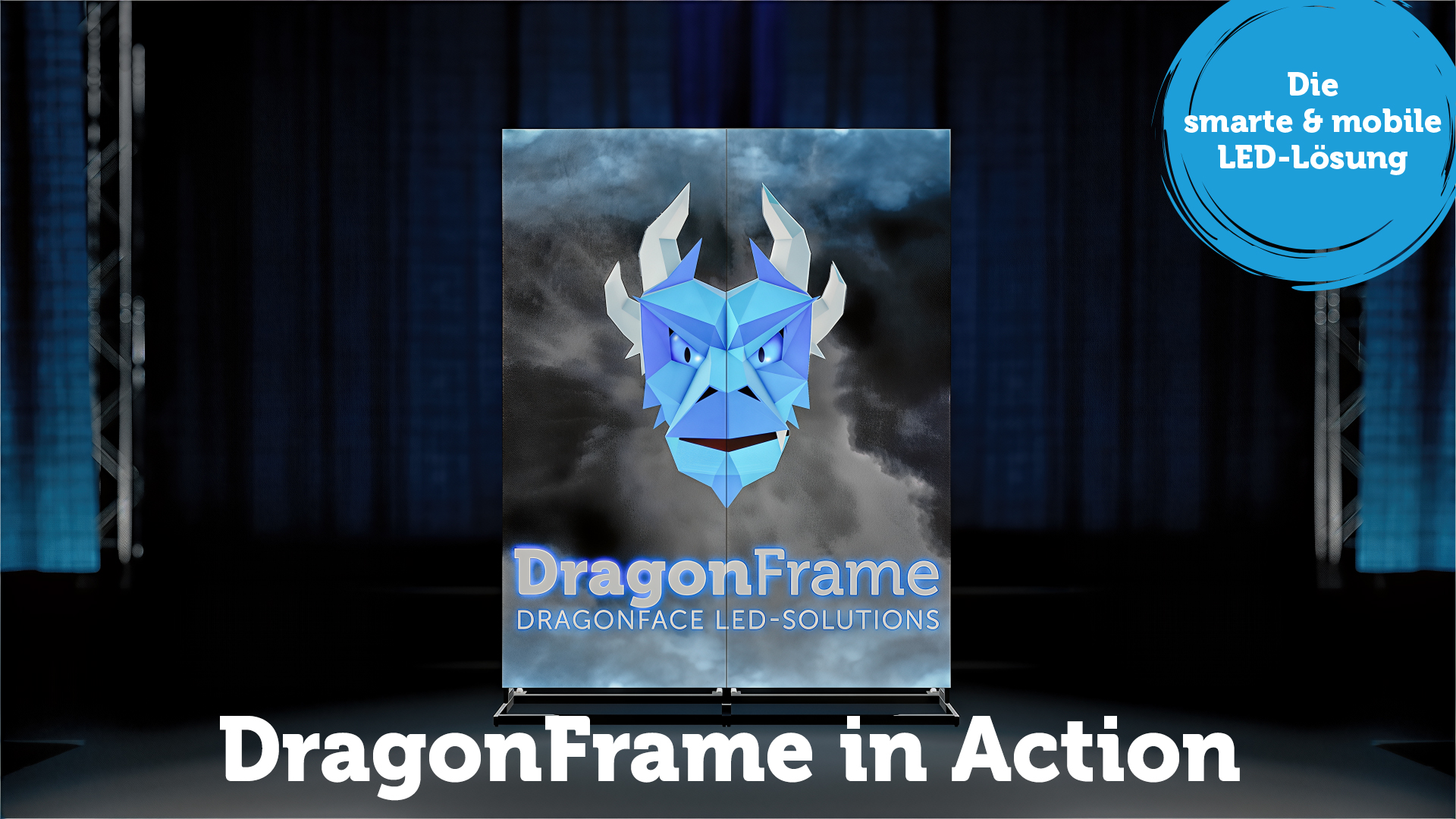
DragonFrame - simple design meets technology.
Our smart DragonFrame for trade fairs and events. With our LED customer magnet, you attract visitors to your stand and the conversation is yours. Rent or buy? - Your decision!
Downloads & Help
Software
 HDSet (Windows) |  HDPlayer (Windows) |
 LEDArt (iOS) LEDArt (iOS) |  LEDArt (Android) LEDArt (Android) |
The DragonFrame
indoor
Minimal effort, maximum impact!
| Dimensions: | 768 * 1920 mm |
| Weight: | 46 kg |
| Resolution: | 384 * 960 px |
| Viewing distance: | > 2 m |
| Viewing angle: | approx. 140° |
| Brightness: | 1000 Nits |
| Connections: | HDMI | LAN | WIFI | USB |
| Installation: | Wall mounting | Stand | Ceiling mounting |
| Memory: | 8 GB |
| Audio input: | 3.5 mm jack |
| Pixel pitch: | 2 mm |
| Multilink: | up to 4 frames |
| Protection class: | IP20 |
| Flightcase: | optionally available with wheels |
The DragonFrame
outdoor
Stay visible outdoors in rain or shine!
| Dimensions: | 768 * 1920 mm |
| Weight: | 55 kg |
| Resolution: | 256 * 640 px |
| Viewing distance: | > 3 m |
| Viewing angle: | approx. 140° |
| Brightness: | 5000 Nits |
| Connections: | HDMI | LAN | WIFI | USB |
| Installation: | Wall mounting | Stand | Ceiling mounting |
| Memory: | 8 GB |
| Audio input: | 3.5 mm jack |
| Pixel pitch: | 3 mm |
| Multilink: | up to 4 frames |
| Protection class: | IP65 |
| Flightcase: | optionally available with wheels |

Wann?
Zeitpunkt des Hin-/Rücktransports

Hin
Zurück
Wo findet das Event statt?

Event-Location

Lieferpauschale
Transport
Wer übernimmt den Hin-/Rücktransport?

DFP
Kunde
Dauer
Wie lange dauert das Event
Von
Bis
Tage: [variable-6]
Mietkosten
Aufbau-Datum
Wann wird auf-/abgebaut?
Aufbau
Abbau
Content Test
Soll der Content durch unser Creative Team vor dem Event getestet werden?

Unser Content soll durch das DFP Team auf Abspielbarkeit getestet werden.
Content
Dein Video muss die folgenden Vorgaben erfüllen!
Content
Indoor 384×960px - Pixel Pitch 2mm | Outdoor 256×640px - Pixel Pitch 3mm | Seitenverhältnis 2:5 (vertikal)
🎬 Videoformate:
.mp4 (H.264/H.265), .mov (H.264/avc1), .webm (VP9), .mpeg/.mpg (MPEG4), .avi (teilweise unterstützt)
🎞️Codecs:
H.264 (AVC), H.265 (HEVC), avc1, VP9 (WebM), MPEG4 / MJPEG (eingeschränkt)
🖼️ Bildformate:
GIF (animiert), PNG (verlustfrei), JPG/JPEG (komprimiert)
⚙️ Technische Hinweise:
Farbtiefe 8 Bit (Standard) / 10 Bit möglich
Wiedergabe über USB, HDMI, LAN/WLAN oder internen 8 GB Speicher
Verlinkbare Frames: Indoor bis 4 | Outdoor bis 6 | Standalone - mit einem externen Controller ist mehr möglich
Kontaktmöglichkeit
Unser Creative Team wird sich mit Dir in Verbindung setzen.

Kontaktmöglichkeiten
Content erstellen?
Wird noch ein stylischer Content, erstellt durch unser Creativ Team benötigt?
Content soll von DFP erstellt werden
Was darf's denn sein?
Willst Du unseren Frame Kaufen oder Mieten?

Kaufen
Mieten
Aufbau / Abbau
Wer kümmert sich um den Auf- und Abbau?

DFP
Kunde
Lieferung oder Abholung?
Wer übernimmt den Transport?
DFP
Kunde
Spareparts
Damit Dein Frame auch nach einer Beschädigung wieder schnell einsatzbereit ist kannst Du Spareparts mitbestellen.

Wohin wird geliefert?
Lieferort
Lieferpauschale
Verpackung
Bring Deine DragonFrames immer sicher und heil zur Eventlocation

Anzahl
Wie viele DragonFrames dürfen es sein?
Indoor / Outdoor
Wo wird der DragonFrame eingesetzt?
Indoor
Outdoor
Zusammenfassung
Geschätzte Kosten :
Du kannst mit einem Klick auf die entsprechende Tabellen-Überschrift zu dem jeweiligen Schritt zurückspringen.
Bitte nochmals auf "Anfrage senden" klicken, nachdem der Email-Bestätigungscode eingegeben wurde.
Übersicht
| Beschreibung | Information | Menge | Preis |
|---|---|---|---|
| Discount : | |||
| Gesamtpreis: | |||
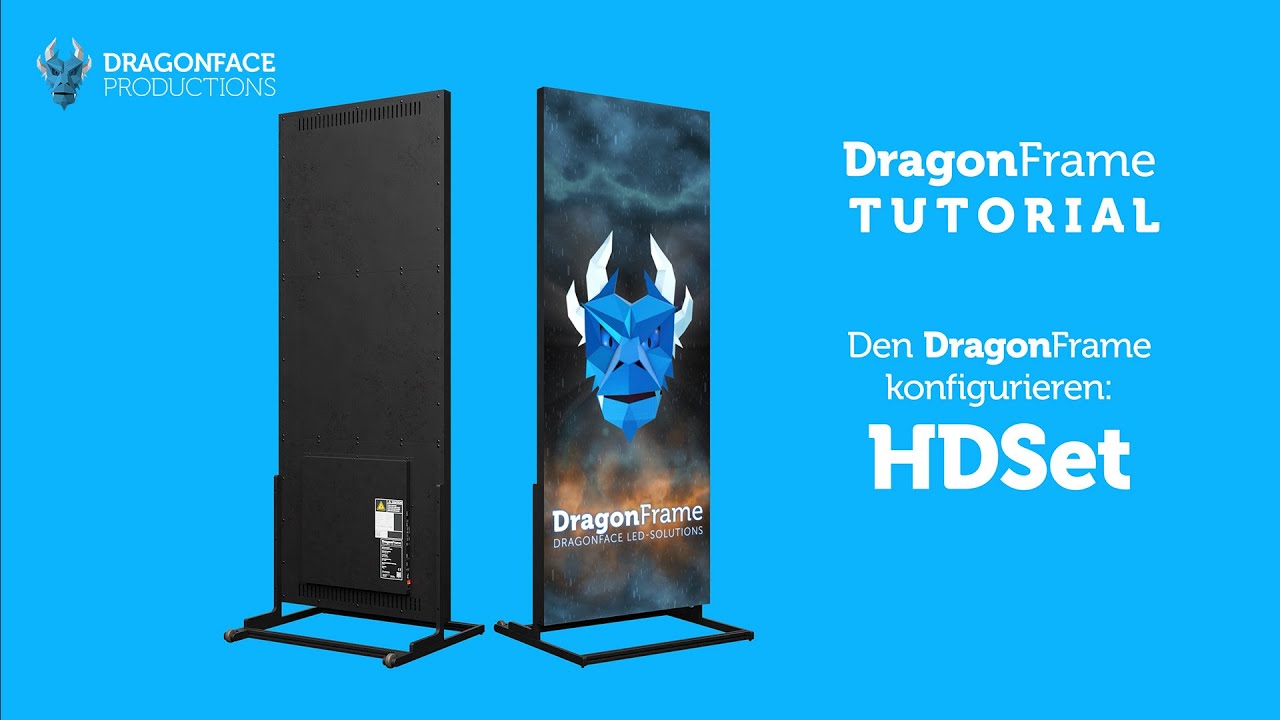
How to Master the DragonFrame - Tutorial
FAQ: Hardware
HDMI input not working
Check whether everything is set up and connected correctly in the hardware settings?
Note that the setup for single frame operation differs from multi-frame operation.
Content plays distorted
Lorem Ipsum Lorem IpsumLorem IpsumLorem IpsumLorem IpsumLorem IpsumLorem IpsumLorem IpsumLorem IpsumLorem IpsumLorem IpsumLorem IpsumLorem IpsumLorem Ipsum
Media from USB stick is not played
- In the HDPlayer software, the USB port must be activated and the setting must be transferred to the DragonFrame and saved.
- Is the content in the correct format on the USB stick?
No audio output via the stereo jack output
- Is the volume turned up in the HDPlayer software?
- Is the mute button active in the HDPlayer software?
- Is the connected speaker system set to the correct input and the volume turned up?
FAQ: Software
HD-Player DragonFrame is not displayed when sending the content
- Which screen was created for the content?
- Make sure that the "Screen Settings" are set correctly
- Make sure that the correct DragonFrame is selected in the "Device-List"
HD-Set displays message "Device Timeout"
- Check the network connection of the DragonFrame
- Reboot the DragonFrame
- Check in the HD-Player software whether the current firmware has been updated
HD-Set Connection Settings shows too many network ports
Is the DragonFrame selected in the start screen of the HD-Set software?
Interconnected DragonFrames display the image incorrectly
- Check in the HD-Set software in the "Connection Settings" whether the network ports are connected correctly
- In the "Connection Settings", send the set configuration again by clicking on "Send"
Take a look around - DragonFrame 3D View
Contact us for a non-binding inquiry and to tell us about your project. We look forward to hearing from you!